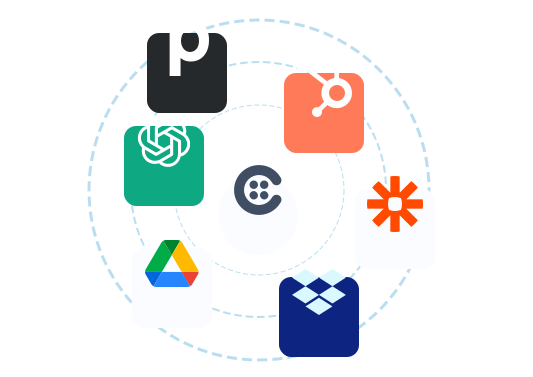
Connect Collect to the tools you already use
From CRMs to cloud storage to e-signature, Collect plugs into your stack so your onboarding data flows exactly where it needs to go, automatically, without extra work for your team.


Trigger onboarding straight from your CRM
Send a request the moment a deal moves, then sync collected data and status back to your pipeline. See how CRM sync works.


Save every document to your own cloud
Collected files land automatically in the storage your team already uses, neatly named and sorted.

Send completed documents straight to your Box folders as they arrive.
Learn more
Sync every collected file to Dropbox so your team always has the latest copy.
Learn more
Save documents to the right Google Drive folder automatically, no manual uploads.
Learn more
Back up collected documents to OneDrive as soon as clients submit them.
Learn more
Route client documents into SharePoint libraries where your team already works.
Learn moreFit Collect into the rest of your stack
Add e-signature, get notified where your team works, and automate the busywork.


Build anything on our platform
Wire Collect into your own systems, or let AI agents work with your data.
Integrations, answered
Which tools does Collect integrate with?
Collect offers native integrations with HubSpot, Pipedrive, Slack, DocuSign, and Zapier, plus cloud storage for Box, Dropbox, Google Drive, OneDrive, and SharePoint. Developers can also use our REST API, webhooks, and hosted MCP server to connect anything else.
Can I connect Collect to my CRM?
Yes. Collect connects natively to HubSpot and Pipedrive, so you can trigger document requests directly from a deal, and sync collected data and request status back to your pipeline automatically.
Where do collected documents get stored?
Documents are stored securely in Collect, and you can sync them automatically to your own cloud storage: Box, Dropbox, Google Drive, OneDrive, or SharePoint. Files arrive named and sorted, ready for your team.
Do I need to write code to build an integration?
No. Use Zapier to connect Collect to thousands of apps with no code. If you need something custom, developers can build on our REST API and subscribe to webhooks for real-time events.
What is the hosted MCP server?
Our hosted MCP (Model Context Protocol) server lets AI agents like Claude and ChatGPT securely connect to Collect, so you can ask questions and act on your onboarding data in natural language, with no infrastructure to run.
Start automating your onboarding today
Try Collect free for 7 days, with full access to our AI and integrations.