
Google Drive integration
Save every document straight to Google Drive
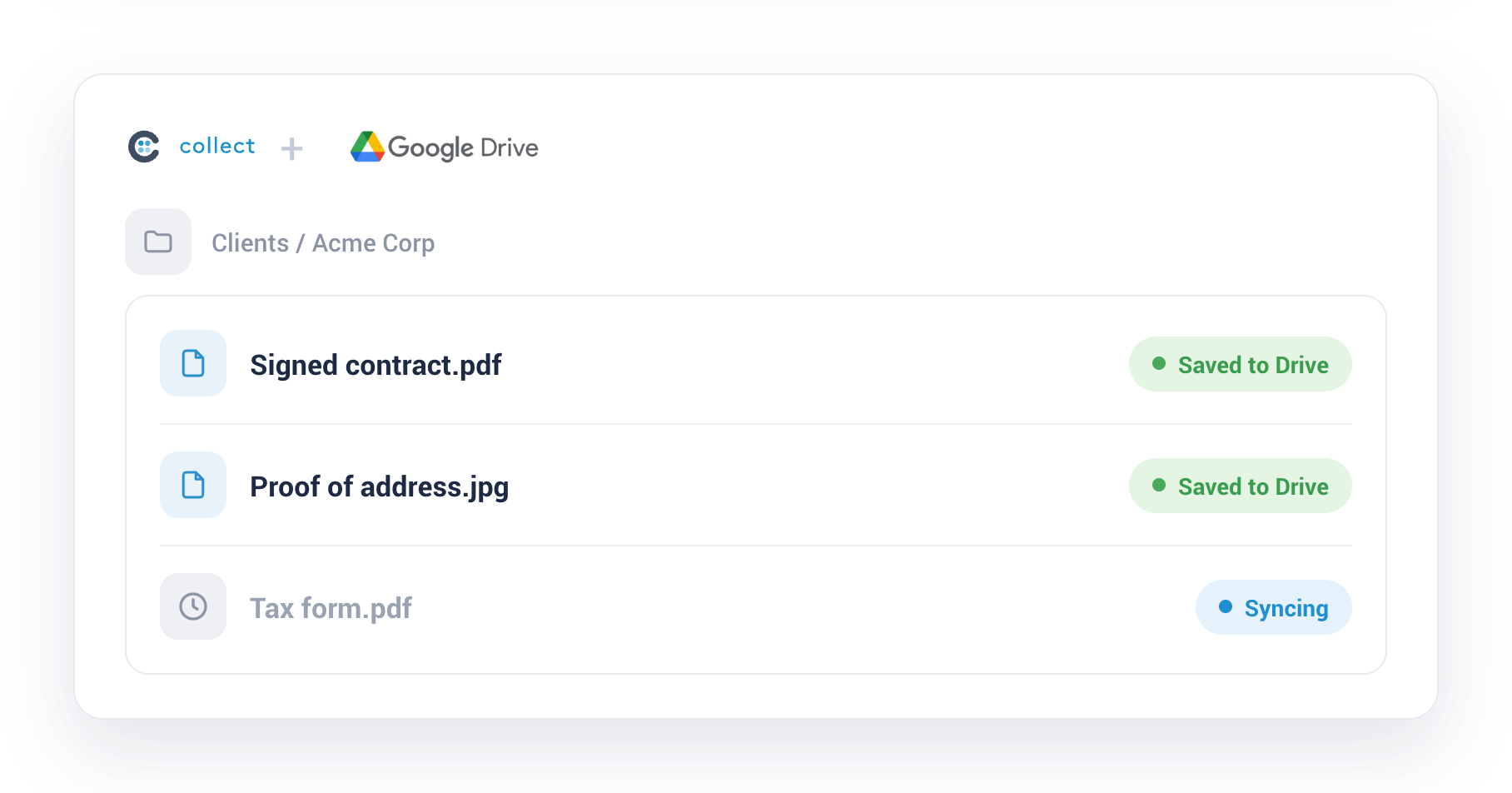
Connect Collect to Google Drive and every file your clients submit is backed up to your own storage automatically, named, sorted, and filed in the right folder.


Always organized
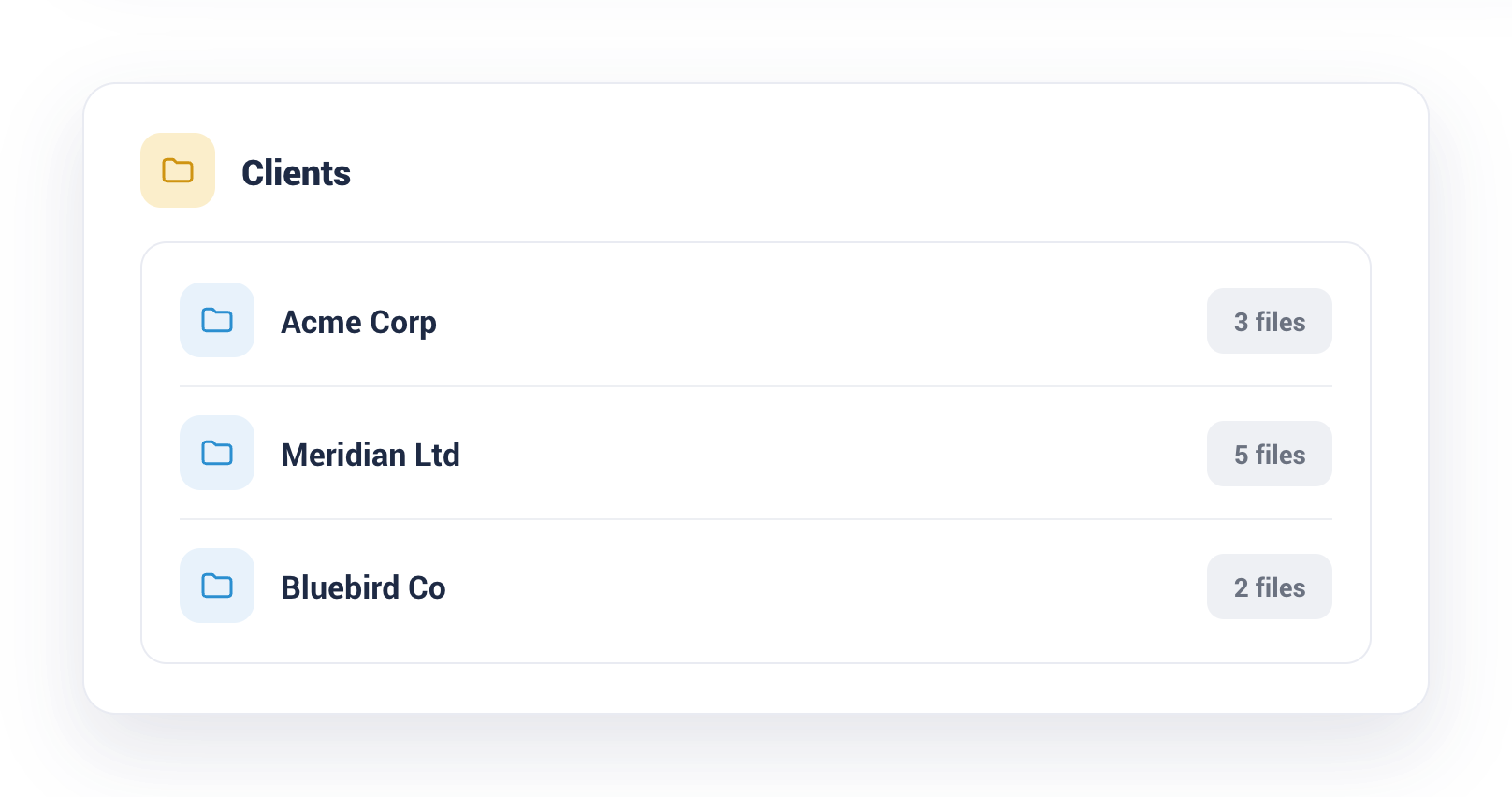
A folder for every client
Collect creates a tidy folder for each client in Google Drive and drops their documents in as they arrive. Nothing is misfiled and nothing gets lost.
Clean and consistent
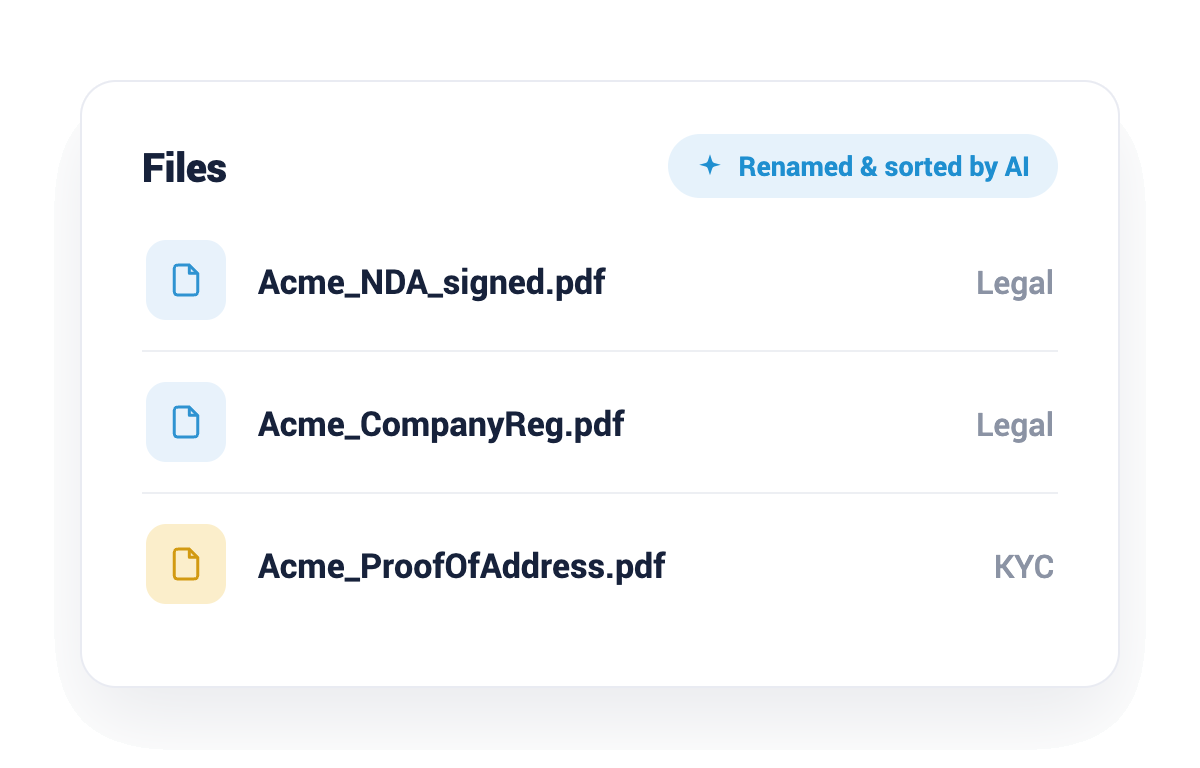
Named and sorted before they land
Files are renamed with consistent rules and grouped by type, so what shows up in Google Drive is clean and easy to find. See how AI operations handle it.

Start automating your onboarding today
Try Collect free for 7 days, with full access to our AI and integrations.