
Changelog
The latest from Collect
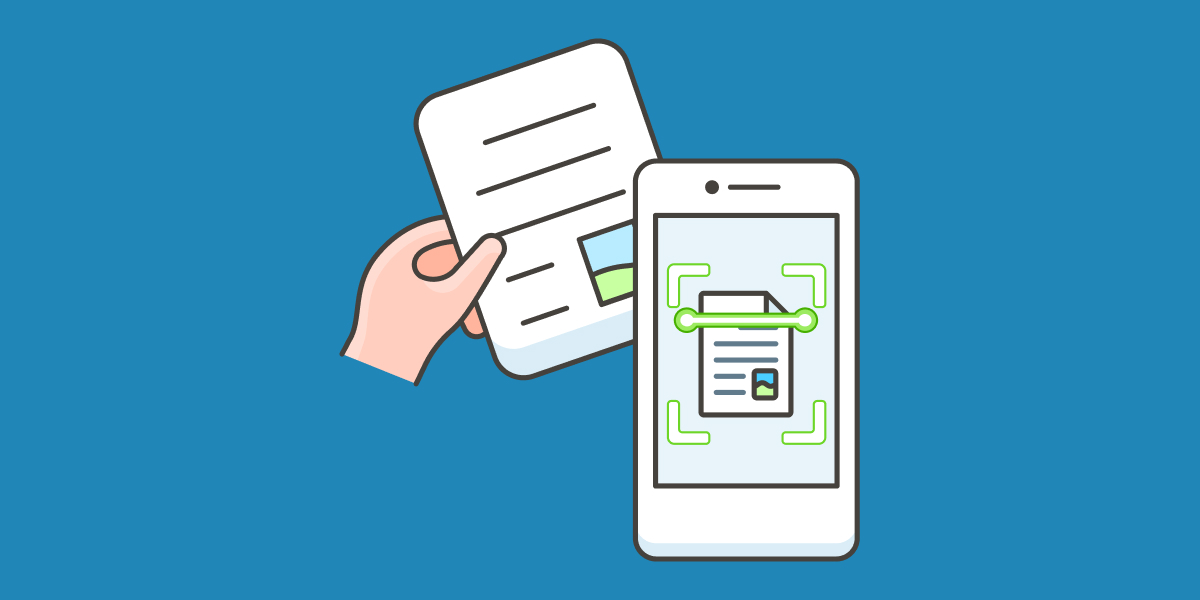
Integrated Scanner (Beta)
Collect is now the first document collection platform to embed a document scanner directly into its portal.
Why does this matter?
Many of our users need to upload paper-based documents—but the process was often clunky: scan with a separate app, store the file, then upload it manually… or settle for low-quality photos.
Now, it's all built into Collect.
If the scanner is enabled for a campaign:
- On mobile, users will see a Scanner button on upload blocks. Tapping it turns their phone into a multi-page document scanner—crop, adjust, and send with one tap.
- On desktop, the button shows a QR code. Scan it with your phone to launch the scanner instantly. It’s seamless (and a little magical).
This feature is currently in beta, and we’re already working on improvements.
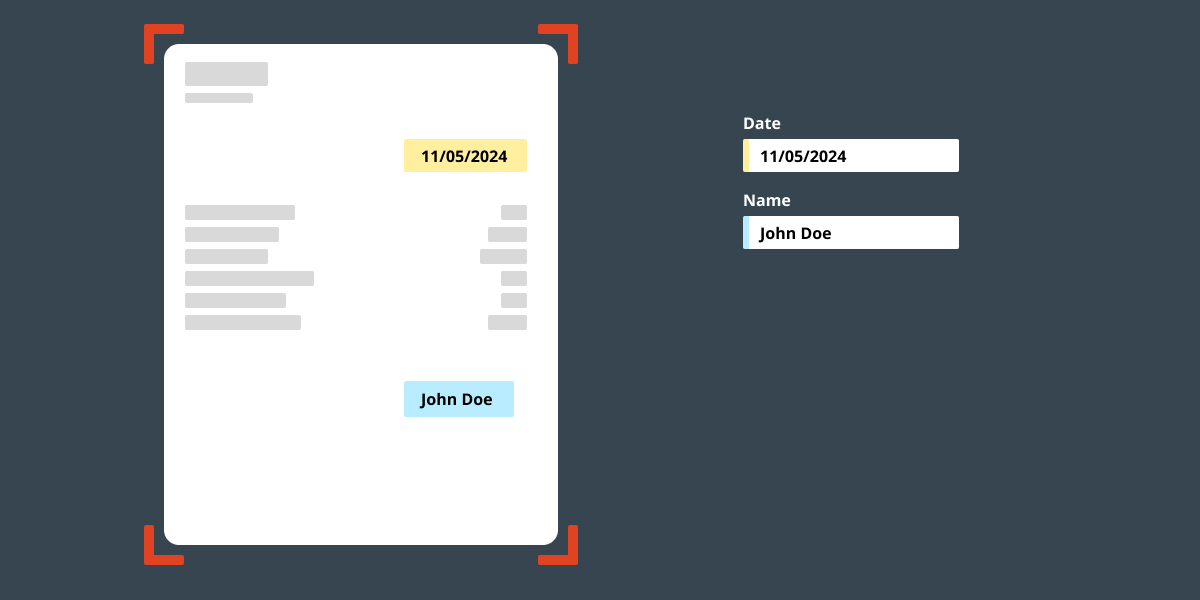
Mindee integration, now with docTI support
Mindee helps you automatically extract data from uploaded documents using AI. We've now updated our integration to support APIs generated with docTI, Mindee’s custom document processing engine.
With docTI, you can:
- Tailor extraction models to your unique document formats
- Improve accuracy by training the AI on your specific use cases
More precision, less manual work—now fully integrated.
Introducing Sections
Until now, you could organize your portal with multiple pages—like “Finance,” “People,” or “Admin”—to make things clearer and easier to navigate.
But as more teams needed a deeper way to structure their requests, we added a new layer: Sections.
A Section can contain multiple pages or even elements directly. It gives you one more level of classification to keep complex portals tidy and intuitive—no matter how detailed your process gets.
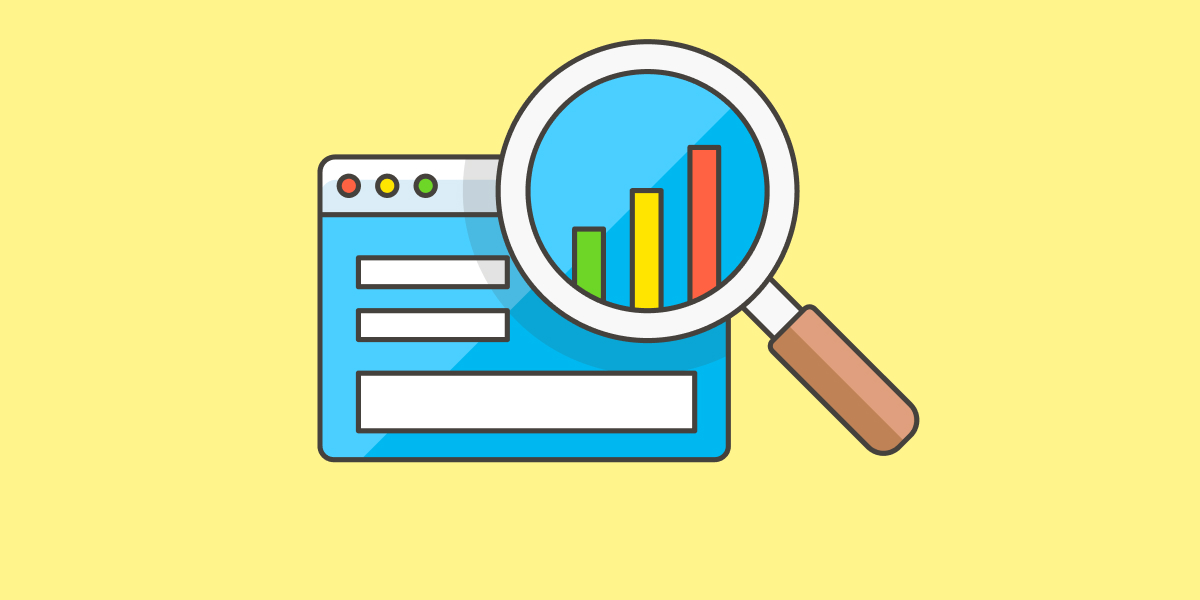
Request & Campaign Stats
We’ve added a new way to dive deeper into the performance of your requests—whether you're looking at a single request or a full campaign.
Now you can track:
- How old a request is
- Time spent in each status
- Time to first portal submission
- Average validation time (to gauge team efficiency)
- How often a request was reopened
- Communication stats (emails sent, SMS) and website activity
You can also measure durations in business days for a more realistic view of timelines.
For campaign-level insights, filter stats by date range, request status, or assigned users to get exactly the data you need.
More visibility, smarter decisions.

Auto-shred and Auto-archive are here
Two new features to help you keep your workspace clean, organized, and secure—automatically.
Auto-shrink
Uploaded documents can now be set to delete themselves after a certain period. This not only reduces clutter but also helps minimize the risk of sensitive data lingering longer than it should.
Auto-archive
Requests marked as "completed" can now be archived after a set time (e.g., 1 month), with the option to automatically delete them later (e.g., 3 months after being archived).
A simple way to stay organized and reduce unnecessary data exposure.
Start automating your onboarding today
Try Collect free for 7 days – with full access to our AI and integrations.