
Changelog
The latest from Collect
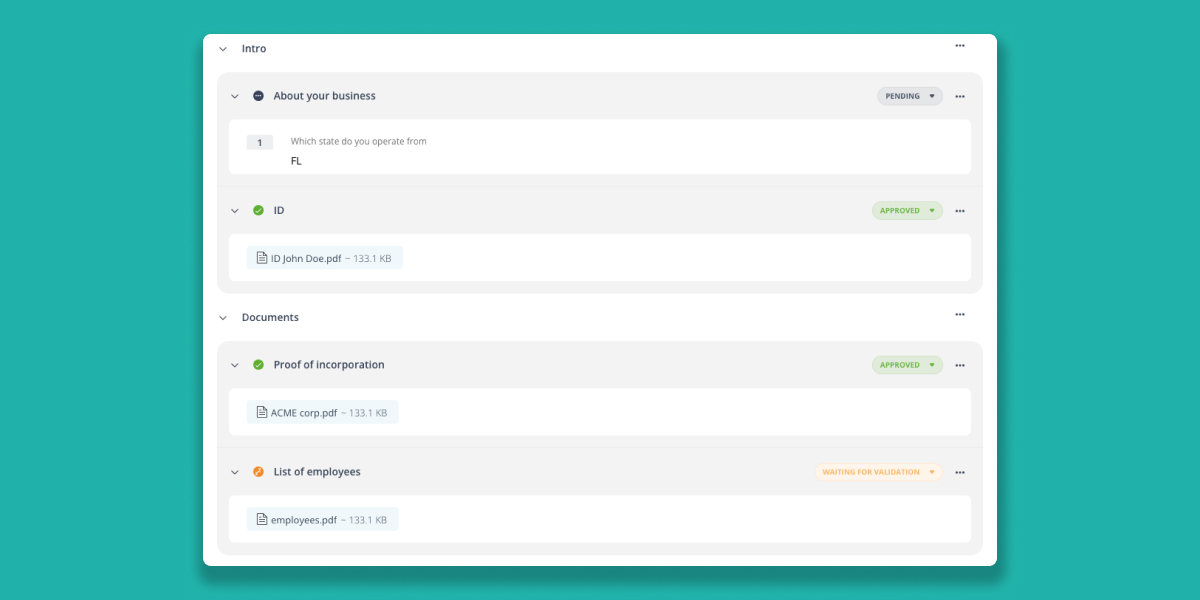
New and Improved Request Page
We’ve revamped the request-specific page to enhance user experience. Now, you can easily view all the answers to forms, uploaded documents, and e-signatures with a clearer separation of different sections.
Key Updates:
- Enhanced User Interface: The page layout is now more intuitive, making it easier to navigate through various sections.
- Section Separation: Clear divisions between different types of content help you find what you need faster.
Minor Improvements:
- Reordering Elements: You can now reorder items in a list by selecting "Reorder the elements" from the options menu (the three dots on the right).
- Expiration Date Management: You can change the expiration date of a document directly from the review mode, streamlining the document management process.
These updates aim to make your experience smoother and more efficient. As always, we welcome your feedback to keep improving our service!
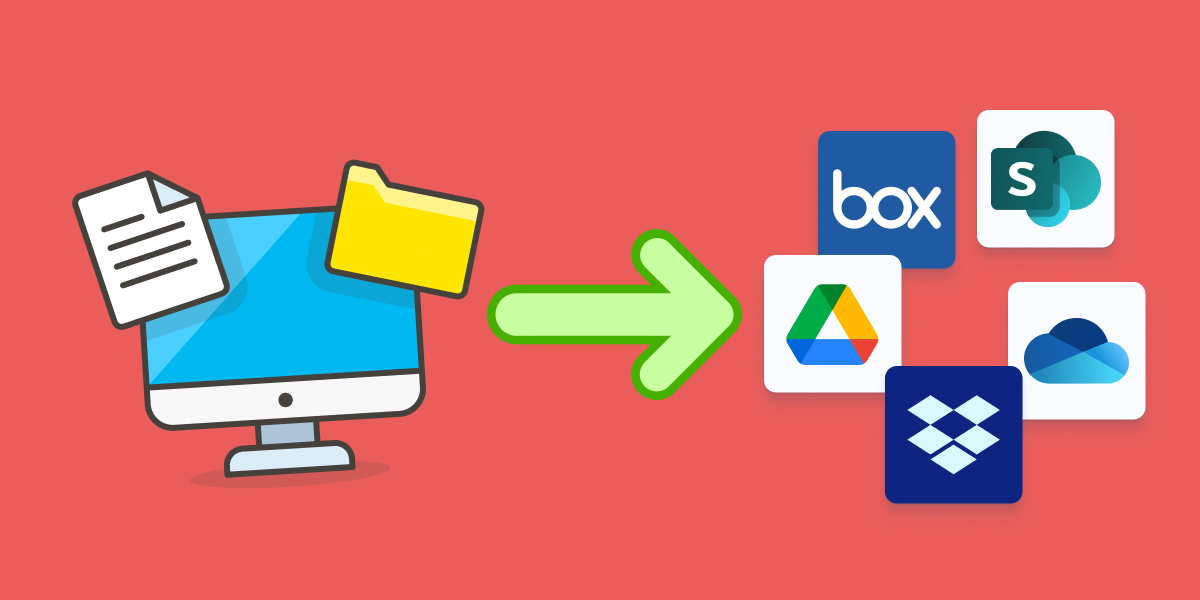
Sync Documents with Your Favorite Cloud
We’re excited to announce our latest integration with the top 5 cloud storage solutions: Google Drive, Dropbox, Box, OneDrive, and SharePoint.
What’s New?
- Seamless Integration: You can now easily copy your files to the appropriate folders using our powerful naming conventions that support dynamic variables.
- Dynamic Names: Customize folder names using variables like:
/{contact_first_name} {contact_last_name}/{doc_name}/{contact_company}/{item_path}/{doc_name}
- Examples:
/John Doe/certificate.pdf/ACME Corp/finance/certificate.pdf
- Dynamic Names: Customize folder names using variables like:
- Flexible Sync Triggers: Choose when to trigger the synchronization:
- When the file is uploaded to Collect
- When the element is validated
- When the request is completed
This update ensures that your files are always organized and accessible in your preferred cloud storage, enhancing your workflow efficiency. Happy syncing!
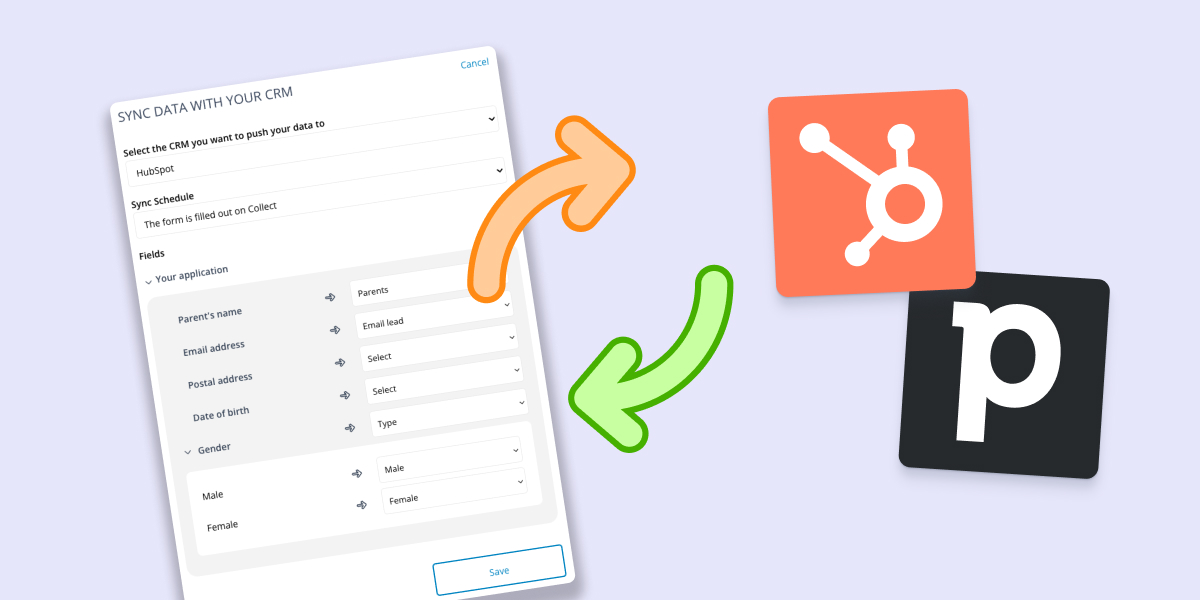
CRM Integrations Upgrade
We're excited to announce significant improvements to our CRM integrations with HubSpot and Pipedrive.
Enhanced Data Flow:
Previously, you could push data from your CRM to Collect. Now, you can also push form-collected data back to your CRM. Choose when to trigger the synchronization:
- When the form is filled
- When the element is validated
- When the request is completed
Deal and Ticket Status Updates:
The integration now allows you to update the status of a deal or a ticket in your CRM based on status changes in Collect, ensuring your CRM always reflects the most current information.
Minor Update:
- The Collect window in HubSpot is now larger for better visibility and ease of use.
These updates are designed to streamline your workflow and keep your CRM data accurate and up-to-date. Try them out and let us know what you think!
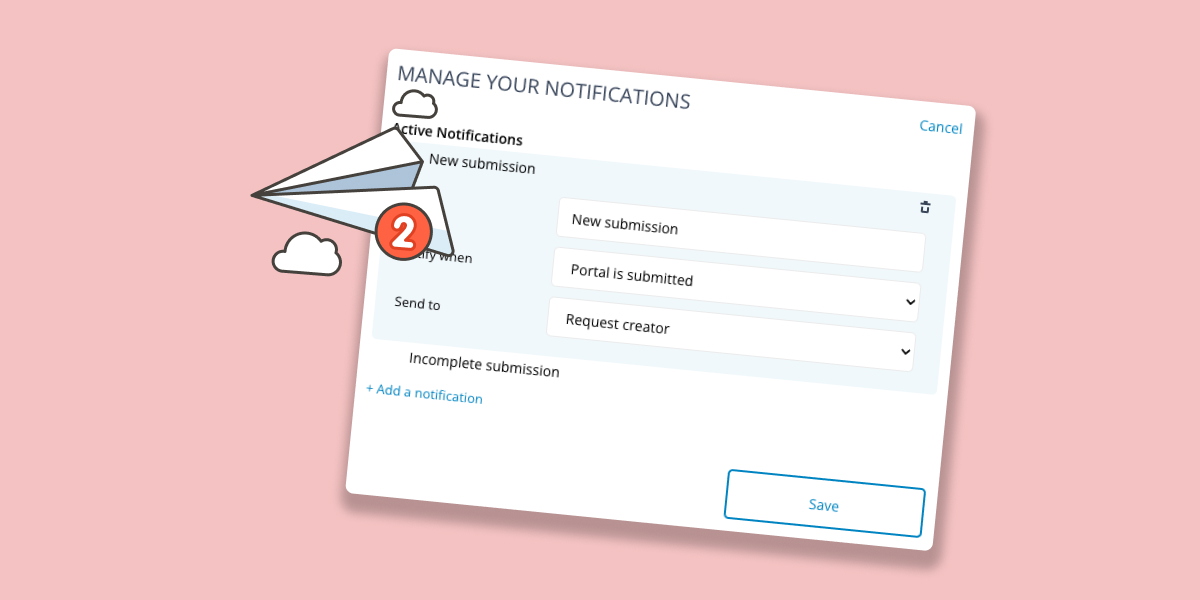
New Notification Manager
We're thrilled to introduce the new Notification Manager, accessible in your campaign settings!
With this powerful tool, you can customize every aspect of your email notifications. From selecting recipients to setting the perfect timing, the Notification Manager ensures your alerts are efficient and targeted. Here are some key features:
- Multiple Notifications: Set up as many notifications as you need.
- Dynamic Recipients: Choose from campaign creators, request senders, assignees, or specify individual users or groups.
- Portal Activity Alerts: Get notifications even for changes on the portal that haven't been submitted yet.
Minor Changes
- Variable Insertion Made Easy: The “insert a variable” dropdown is now available in all compatible fields.
- API Identification Flexibility: If you use “user” and “password” in the API identification flow, you can now enter your API key as the user value and any value for the password.
Experience the enhanced control and flexibility with our new features designed to streamline your workflow!
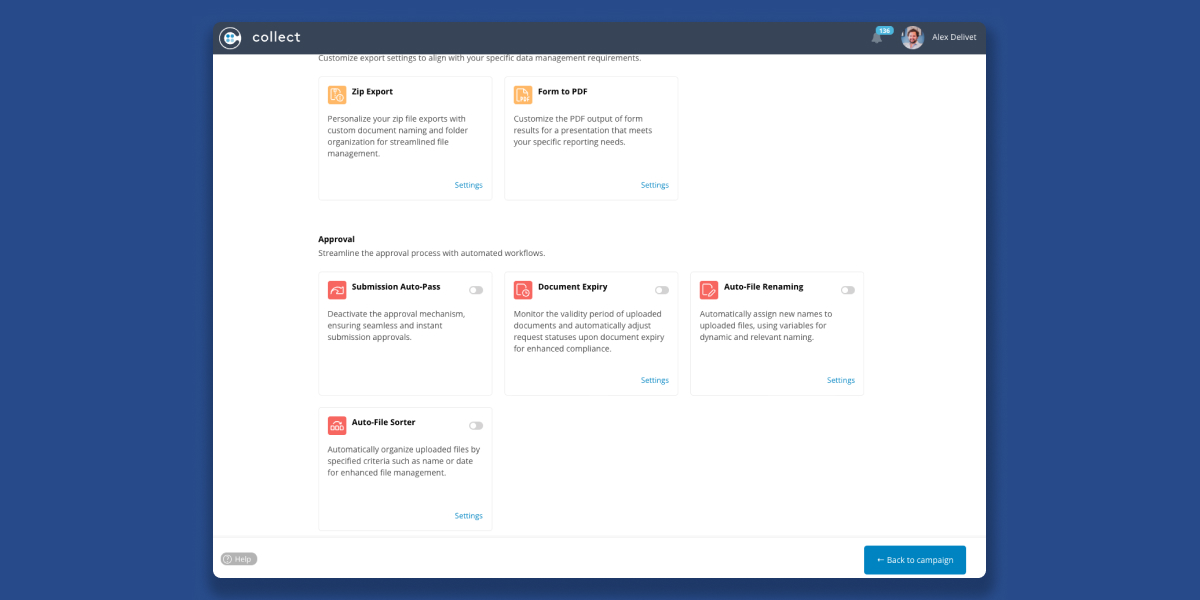
New Centralized Campaign Settings
We've made managing your campaigns even easier! Now, all campaign settings are conveniently located in one place. Just click on "Settings" within any campaign to access them.
What's New:
- Integrations: Connect Collect to the tools you use daily, enhancing your existing workflow.
- Export: Customize export settings to align with your specific data management requirements.
- Approval: Streamline the approval process with automated workflows.
- Notifications: Receive real-time notifications to stay updated on request statuses and actions required.
- Portal Settings: Customize the portal behavior.
- Request Settings: Tailor your requests with advanced customization options for specific needs.
Explore the new settings layout and streamline your campaign management today! 🚀
Start automating your onboarding today
Try Collect free for 7 days – with full access to our AI and integrations.